NorthFlow Studio

Design agents with review, QA, and launch control.

A client portal for turning automation ideas into reviewed AI agent drafts that TrueNorth can build, test, connect, and maintain.

01 Client idea Plain-language request
02 Plan review Duplicate and fit check
03 Agent draft Canvas and setup answers
04 QA gate Test evidence and controls
05 Launch TrueNorth review and activation

Studio in action

Preview the builder before opening the portal.

Clients describe the agent in chat, review the generated canvas, and submit the draft for TrueNorth review from the same workspace.

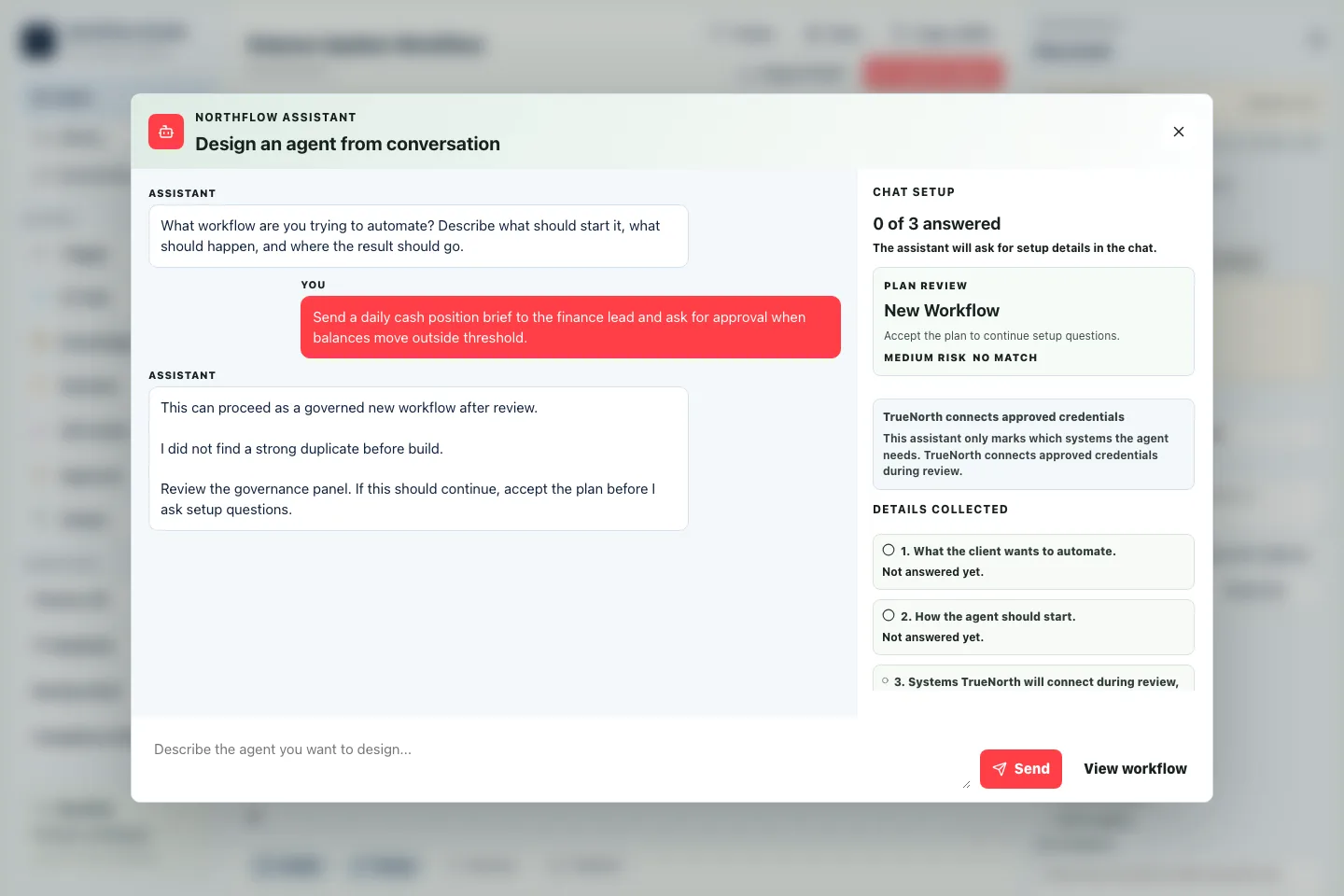
NorthFlow Studio assistant asking setup questions over the blurred builder workspace.
Assistant setup The chat opens first, asks for the automation goal, checks fit, and guides the next setup answers.
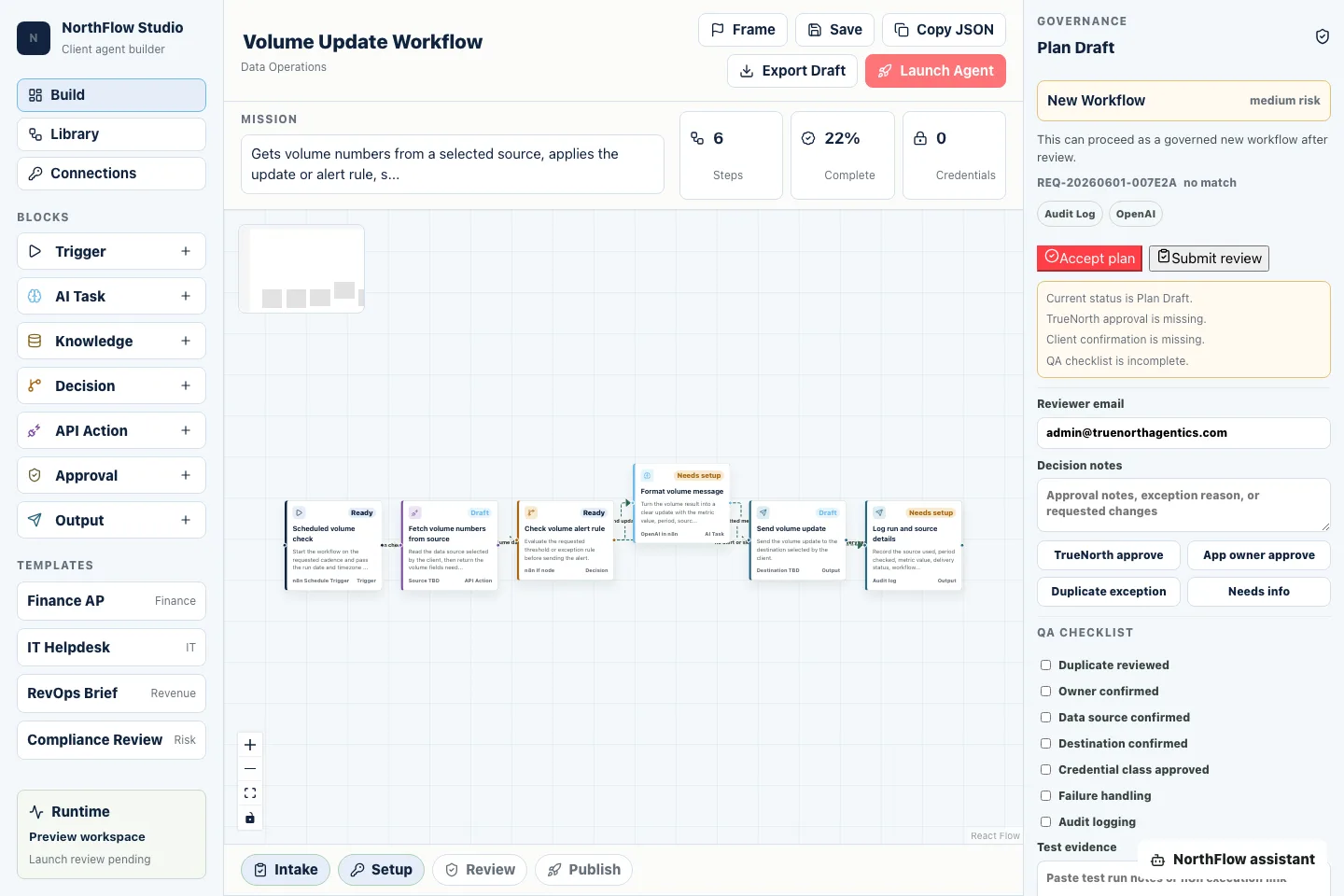
NorthFlow Studio builder canvas showing a drafted workflow, review panel, QA checklist, and Launch Agent controls.
Builder workspace The canvas, review status, QA checklist, and Launch Agent handoff stay visible before anything is submitted.

Client portal

Access starts with a setup project and monthly managed service.

Clients use the portal to request and refine agents. TrueNorth owns the backend automation workspace, credentials, testing, and production maintenance.

Prefer to buy in person? TrueNorth can provision the client account manually.

Controlled launch

Launch Agent submits an inactive draft for TrueNorth review instead of exposing backend automation controls to clients.

Safer credentials

Clients never paste keys or tokens. TrueNorth connects approved credentials during review and testing.

Managed versions

Requests, drafts, launch events, and audit logs are recorded in Supabase for account-level tracking.